I wrote a simple tool for the Apple DOS Compatible card for PowerMacintosh 6100. It allows you to enable/disable Turbo mode and adjust the de-turbo speed and disable cache to run software that doesn't run on a 486.
I tested it with Monkey Island EGA, Loom EGA and LucasFilm Night Shift, none of which run on a 486 66Mhz while using Adlib sound. All are working with this tool.
It should work on any 486 board with a CHIPS 84032 and 84035 chipset. Tested in MAME/MESS with AMI BIOS clone 486/66 Mhz and on a genuine Apple DOS Compatible card.
Source and binary are on Bitbucket.
Friday, October 25, 2019

Friday, September 6, 2019
Power Macintosh 6100 DOS Compatible Drivers
These are drivers and software for using the DOS Compatibility card installed in some Power Macintosh 6100 machines. It has a genuine Intel 486 DX/2 66, Creative Vibra16 with real OPL3 and a really awful CHIPS 82C450 VGA chip. Performance is good enough to play Doom in DOS and Windows 3.1 works just fine though screen refreshes can be slow.
I had a hell of a time finding the VGA drivers for Windows 3.1. Thanks to a friend for their hard work I have them now and so do you.
--
Chips & Technologies 82C450 Windows 3.0/3.1 Driver
Supports up to 800x600 16-colors or 640x480 256-colors
Link
--
Creative Vibra16 Driver
Link
--
pcSetup 2
Macintosh side software for using the DOS Compatibility card.
Drivers for NETWORK, PRINT, and CDROM are on the PC_Compatibility disks included at the same link.
Link

I had a hell of a time finding the VGA drivers for Windows 3.1. Thanks to a friend for their hard work I have them now and so do you.
--
Chips & Technologies 82C450 Windows 3.0/3.1 Driver
Supports up to 800x600 16-colors or 640x480 256-colors
Link
--
Creative Vibra16 Driver
Link
--
pcSetup 2
Macintosh side software for using the DOS Compatibility card.
Drivers for NETWORK, PRINT, and CDROM are on the PC_Compatibility disks included at the same link.
Link

Wednesday, June 10, 2015
Deemo - Unlock Songs HOWTO
This came up on YouTube, thought I'd share. I found this because I just don't play enough to unlock everything but I wanted to try all the songs. It works like this:


- Edit /data/data/com.rayark.pluto/shared_prefs/com.rayark.pluto.xml
- Change the line that looks like float name="TreeHeight" value="0" to float name="TreeHeight" value="50"
- Play for a while, every time you clear a song, a new one will unlock. The newer songs in Deemo 2.0 are on scrolls in some of the rooms, you have to go find them.
- After you've got all the songs you can edit another line in the xml. float name="Ladder" value="0" to float name="Ladder" value="1.0"
- Now you can go play the end in the Ladder room and unlock the last songs this way.
Check out these screenshots for a little detail.


Monday, March 9, 2015
M1 Android 3.5 Release!
Updated with landscape mode, lock screen controls, volume ducking, and some bugs fixed. Enjoy!


M1 Android 3.5 -- Play Store
M1 Android 3.5(APK) -- Sendspace
M1 Android 3.5 -- Play Store
M1 Android 3.5(APK) -- Sendspace
Sunday, March 8, 2015
HP Envizex II Netstation

Thursday, January 30, 2014
Cytus 5.0 Hidden Song Access
First Gate - Overdrive
* tap the title
Slit
* swipe across the slit in the logo
- there are two here. From top right to bottom left and from top left to bottom right.
thats all of them.
* tap the title
Slit
* swipe across the slit in the logo
- there are two here. From top right to bottom left and from top left to bottom right.
thats all of them.
Tuesday, January 28, 2014
Wipeout Fusion Again
Lost all the source for my Fusion stuff quite a while back so I rewrote the filesystem browser in C#. It doesn't support file replacement yet, but that should come pretty easily. More to come.
https://github.com/neko68k/FusionTool
https://github.com/neko68k/FusionTool
Wednesday, December 11, 2013

Thursday, October 31, 2013


Wednesday, September 11, 2013
Friday, May 24, 2013
Nereid Ethernet
Updated the X68000 wiki page for internet access to include instructions for using Nereid and Neptune-X ethernet adapters. http://gamesx.com/wiki/doku.php?id=x68000:internet_on_x68000_using_ethernet_or_null_modem_cable
Friday, May 10, 2013
mint
Been messing with X68000 stuff again. Got Nereid ethernet working thanks to GIMONS. Set up a filer called mint. Super powerful scripting ability, easy to use. I'm loving it. I also installed KISS and a couple of sets. Cute fun. Dug up some more images and a bunch of PCM files.
 |
| KISS - Cham Cham set |
 |
| New MAG |
 |
| mint displaying a MAG and playing an MDX |
 |
| Ethernet working. Ping test. |
 |
| WebXpression viewing NFG forums |
 |
| Different MAG, listening to MIDI |
 |
| WebXpression viewing GIMONS site. |
Sunday, March 17, 2013

Monday, December 31, 2012


Saturday, October 27, 2012


Wednesday, October 24, 2012
MemoryCard Captor Sakura (DPadPro ver.)
The hardware:
- Store bought PCI card with two serial ports and a parallel port. If your computer has a parallel port already you won't need this.
- Dead PlayStation
- PSU. Supplies 7.6 and 3.6 volts.
- Controller ports
- Controller. Any type should work. Mine are DualShock
- Memory card. Any type should work. The one I have now is Interact, in the past I have used official Sony cards as well.
- A bunch of wire
- DB25 male plug
- DB25 straight through cable
- PortTalk. Required to talk to the parallel port in Windows XP.
- MemoryCard Captor Sakura. I recommend the version here.
- Win95/98: DirectPadPro
- WinXP: PPJoy
The PSU pinout is:
1 7.6V
2 GND
3 3.6V
4 GND
5 MOUT (reset signal)
 |
| MemoryCard Captor Sakura showing the contents of my memory card. |
 |
| Early wiring. The lights are on :) |
 |
| Done, tested and working. |
 |
| Put it all back in the PlayStation case. |
 |
| Ta-da |
Friday, October 19, 2012
PlayStation
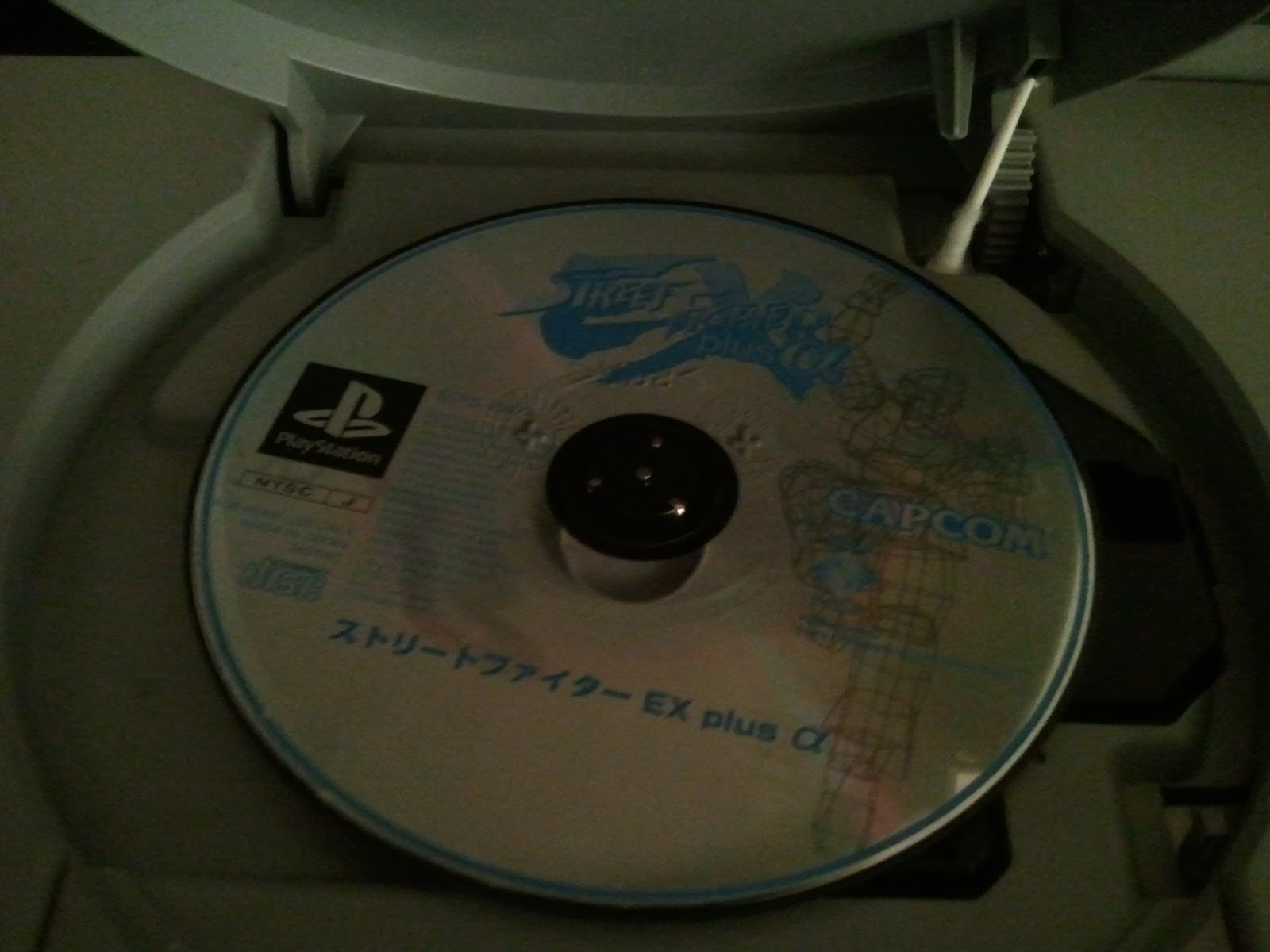
So I bought a couple of PlayStations recently for a project; a 9001 and a 5501. Yesterday I bought an RF switch and a GameShark.

 |
| Unsatisfied with the performance of the drive unit in the 5501, I tested the 9001's drive in it. It worked, but the cables were the wrong length. |
 |
| Undeterred, I took apart the laser units and swapped the guts. I now have a perfectly working 5501 and a fairly gutted 9001 :D |
 |
| Used the double swap trick to boot a burned CD that flashed my GameShark to AHOY! .34 |
Wednesday, October 17, 2012
Sunday, September 16, 2012
Defcon 20 Badge
I went to Defcon in Las Vegas this year. They gave us these fancy badges with Parallax Propeller CPU's. They're weird things but they run 80MHz and can be made to drive VGA. I've finally got around to doing some work on it.
I added full extended ASCII support to the High Res VGA Text demo. More to come.


I added full extended ASCII support to the High Res VGA Text demo. More to come.


Monday, July 23, 2012


Subscribe to:
Posts (Atom)